Showing posts with label pinterest. Show all posts

Tuesday, July 24, 2012

3 Drawer shelf & Modpodge

Here's another idea for your classroom organization!!!

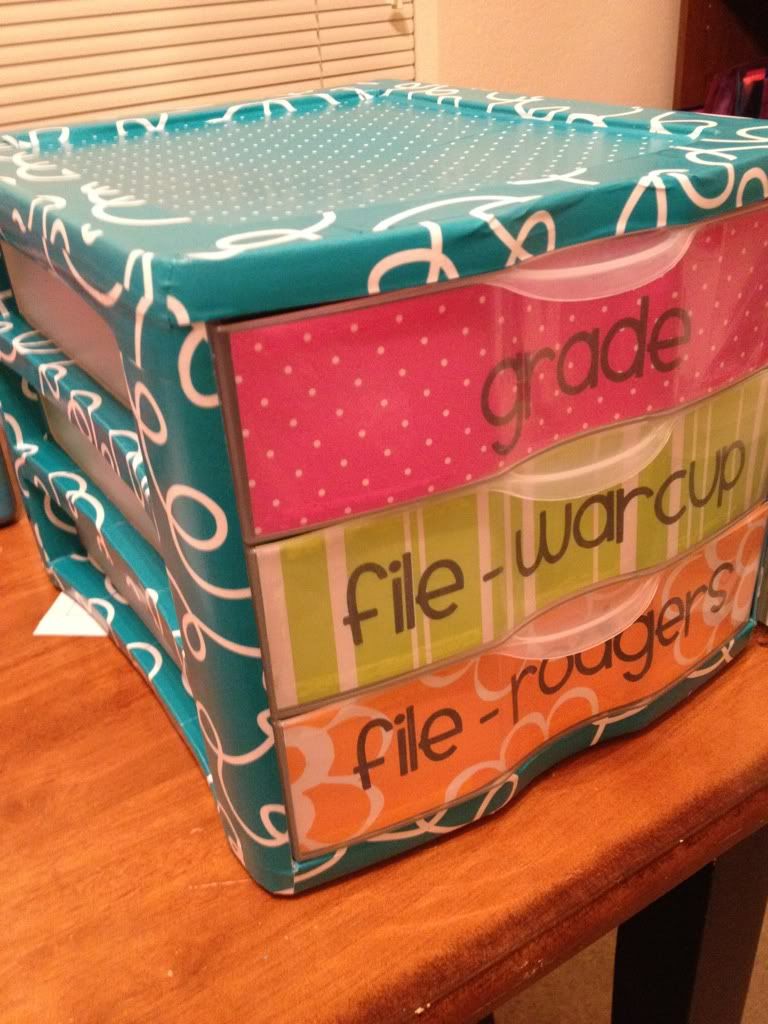
I have created this little beauty to sit next to my desk and keep papers off my desk! (Sometimes known as the black hole.) There are two file drawers because I partner teach with Ms. Rodgers so I needed to keep her kiddo's stuff better organized.
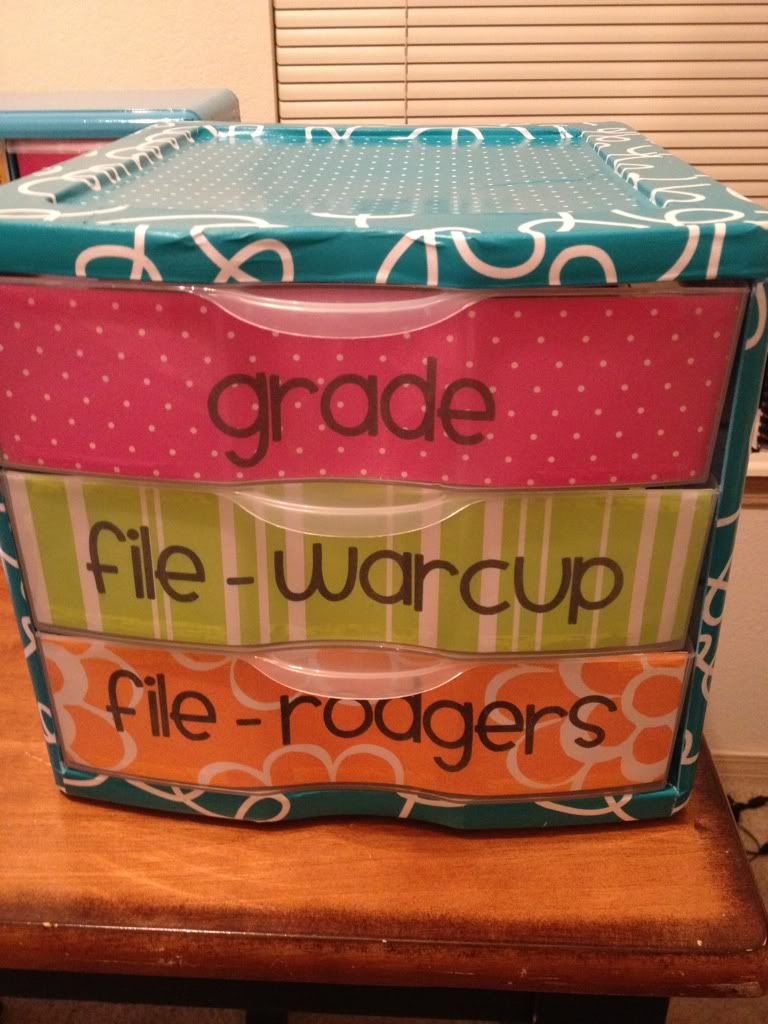


I took this idea from Pinterest of course... Here is the picture I was inspired by... Go check out her post at http://www.hillarykiser.blogspot.com/2012_06_01_archive.html
She's also got some great ideas for teachers! Love her blog!
NO PAPERS ON THE DESK! Eliminate the tower of papers on your desk.

My modpodge shelf project went so well I decided to dress up a 3 Drawer shelf I picked up at Wal-Mart the other day. I thought I would be happy with spray painting it - but my CDO (.....OCD in alphabetical order!!) couldn't live with the small amount of chipping that took place.


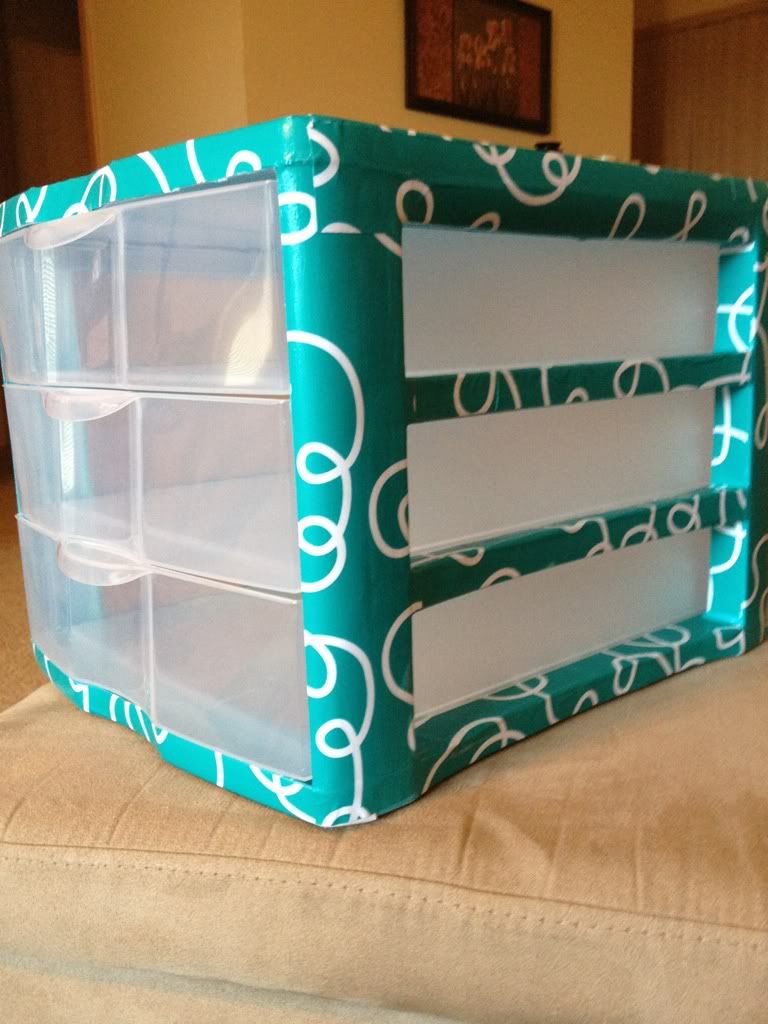
So enter modpodge!!! And after the first strip or two of this patterned paper I KNEW I had to cover it entirely.
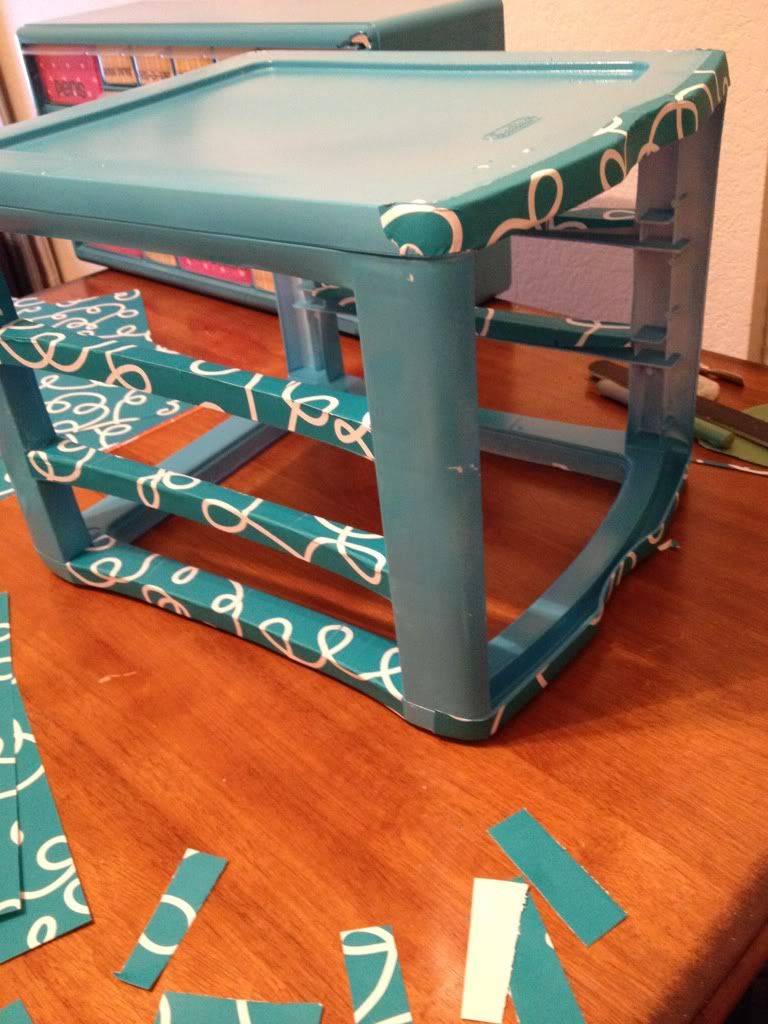

Isn't it so cute??!!?!


Well..... if you haven't guessed already.... that wasn't quite enough. :) More pinterest inspiration and I had to add cute labels to the drawers.
So I used my priniting on patterned paper technique I showed you in my previous post.

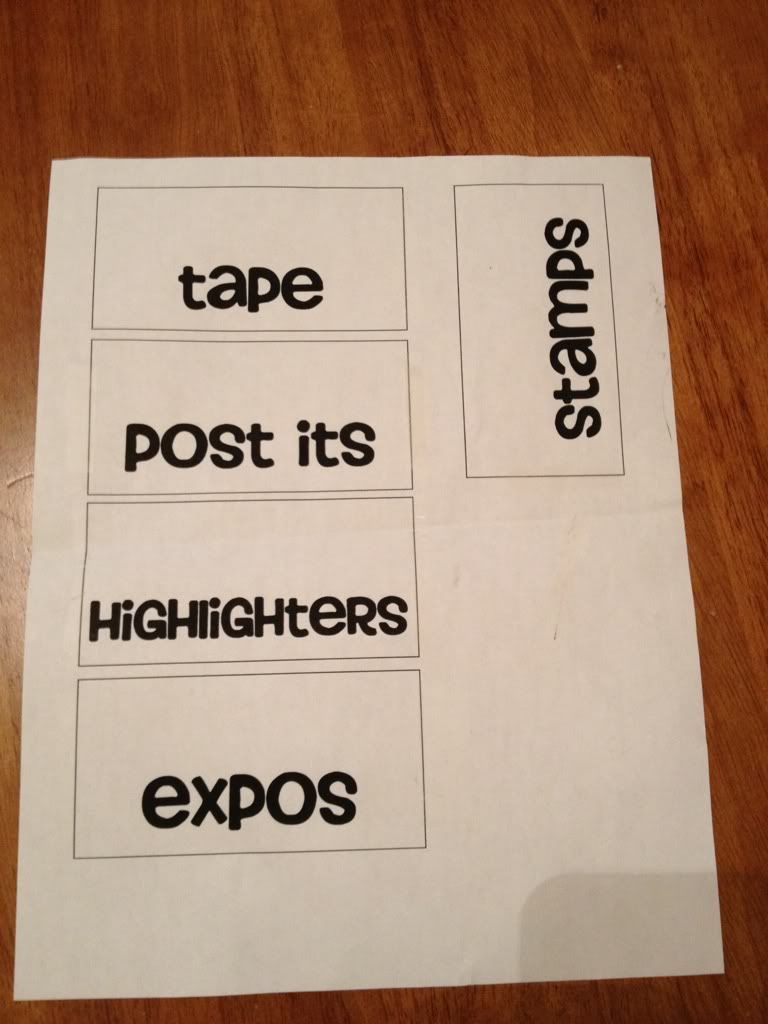
I printed a template using Microsoft word and textboxes... BTW I got my super cute font FREE from kevinandamanda.com - it is called Smiley Monster. LOVE IT!
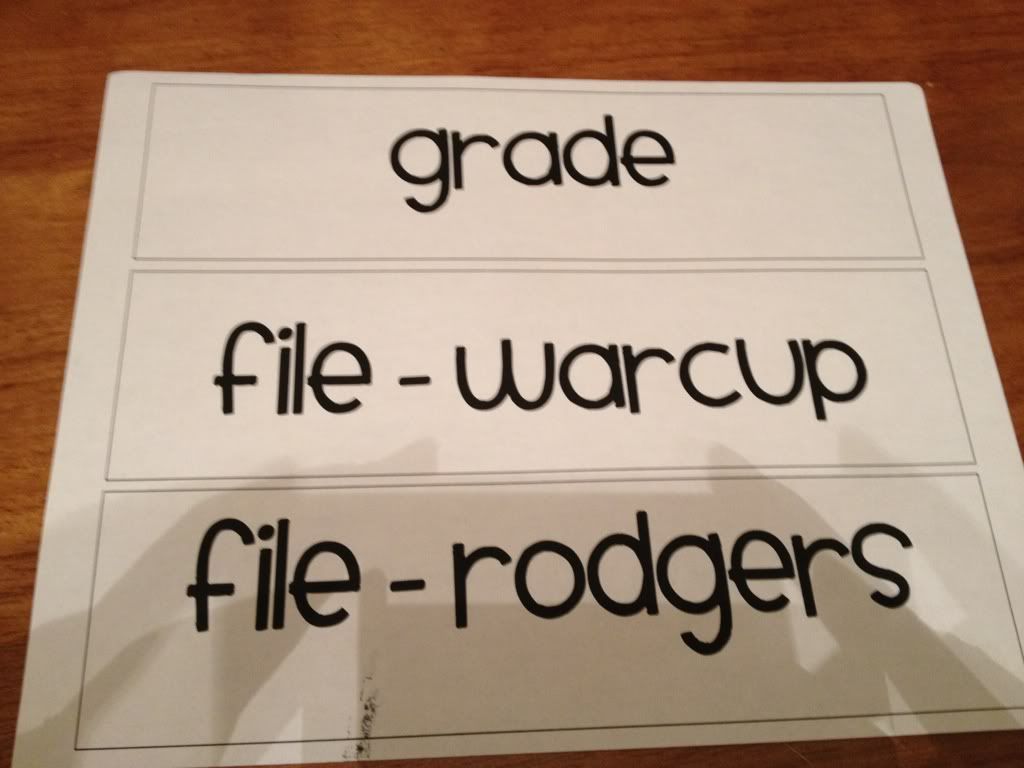
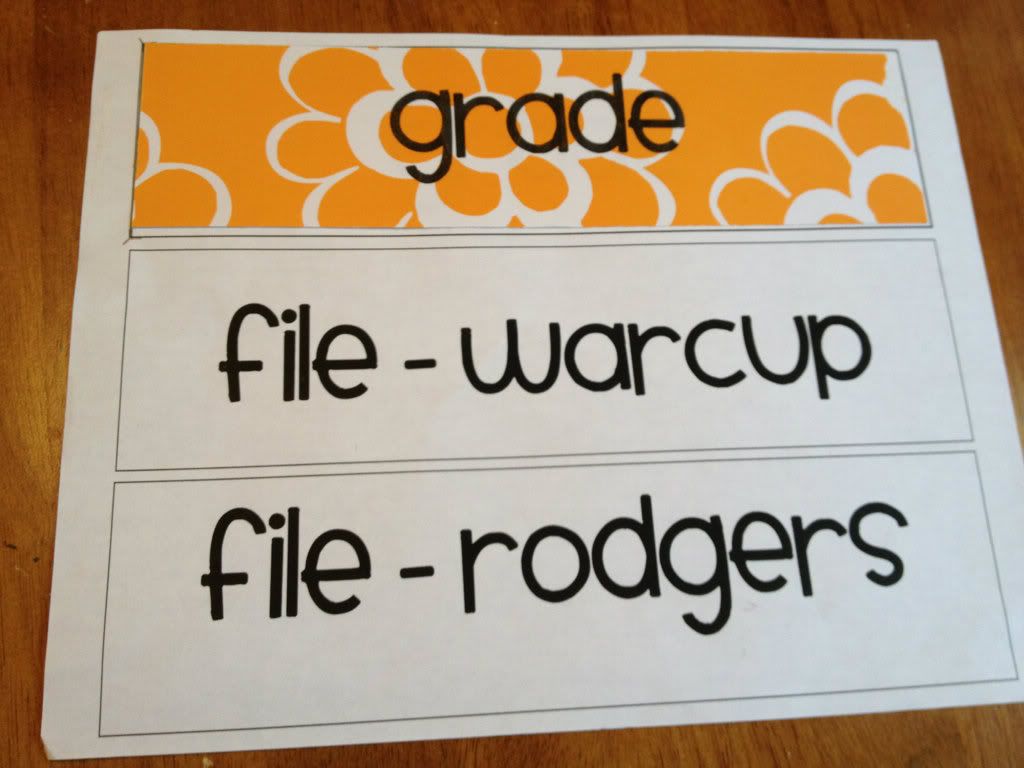
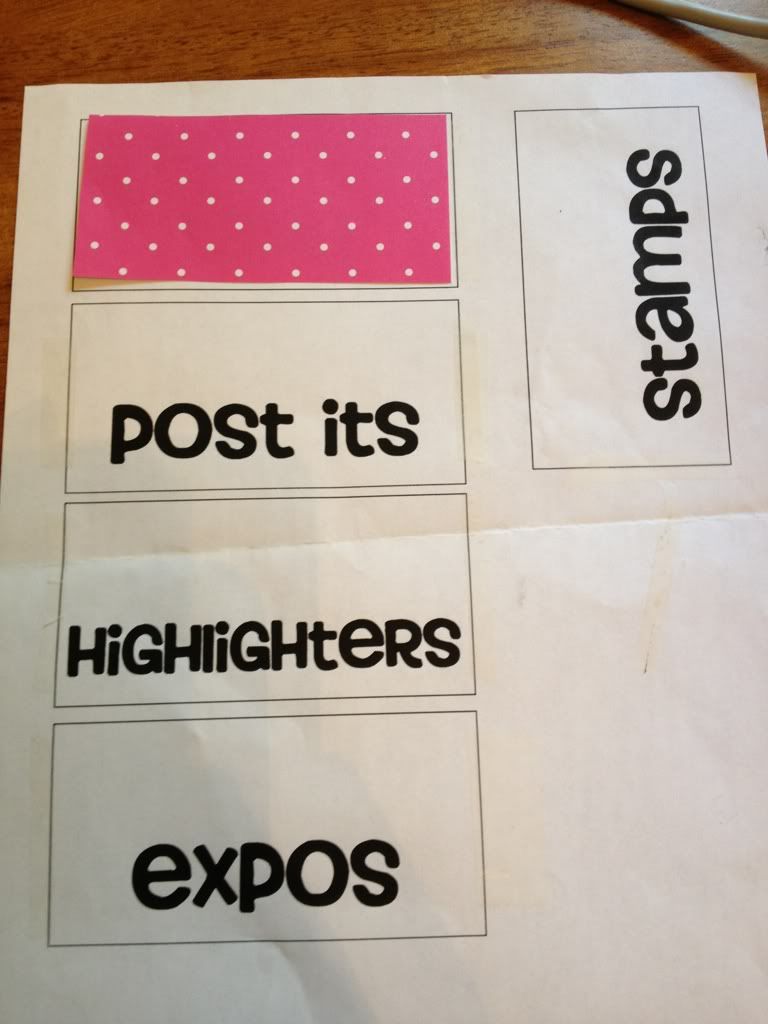
Cut the patterned paper I wanted to size and made sure it fit....


Re-printed without the textbox outlines and was done!

What do you think??


Thanks for stopping by!!!


Pin It!

How to Print on Patterend Paper

In my last post I showed you my Teacher Toolbox. When I was looking for ideas on Pinterest for this project, I noticed different bloggers posting about the amount of paper they wasted to get their toolbox to turn out just right. How terrible!!! Trust me - as a scrapbooker - any wasted patterned paper is a tragedy.

I wanted to show you an easy way to print on patterned paper when you only want to print on a small piece... This can be done on a shape, tab dividers, labels for a shower or party, or on birthday cards! (Click here for my post about the birthday cards I made for my class!)

First I laid out the size boxes I needed in Microsoft word and set them with one of my favorite free fonts - Howser. Once I was happy with the font/size/spacing I printed the page with the text boxes outline included. This will be the template for the patterned paper.


Next I cut down my patterned paper to fit the box that was printed on my sheet.


Next I taped the patterned paper down. But before I did that I put the tape on my forearm (or cheek!) to keep it from being TOO sticky on the patterned paper. No one wants to tear their pretty paper!! (Consider it a mini-facial while crafting!!) :)
I don't know if the picture shows - but I barely put the tape on my patterned paper. (You can always hold your paper and template up to a light source to double check that your tape won't get any ink on it when you print again.)

Once all the patterned paper I needed was taped down I ran it back through the printer AFTER I turned OFF the outline of the textboxes. This way it only prints the words I wanted and I know it will print it exactly where I want it.  (Sorry if the bigger font was too dramatic... but it's a biggee!)


Lastly I CAREFULLY pulled off the patterned paper. And wah-lah! You have personalized patterned paper!

Once you get the hang of this you can use it on practically every label in your classroom! I know it "wastes" ink by making the template... but incase you don't know... remanufactured ink is dirt cheap on Amazon. I have been using it for awhile now. It is definetly something worth looking into!


Thanks for stopping by!

Please let me know if my instructions did not make sense in any way or if I can be of any help!
Pin It!

Teacher Toolbox

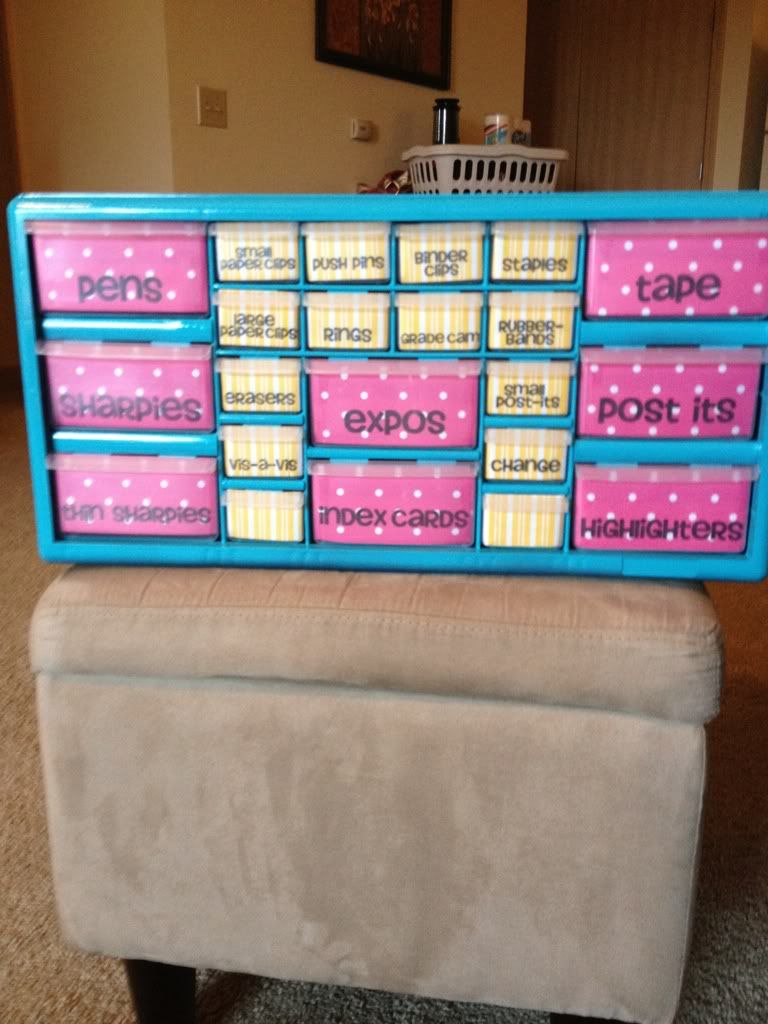
Like most teacher pinterest-ers (Yes, I like to make up words!) I have jumped on the "teacher toolbox" craze! I found the idea on Pinterest of course, but I found more details and FAQ from Mrs. Rojas on Create Teach Share.

I bought my toolbox from my local Lowes for $16 and some change! You can't be that!
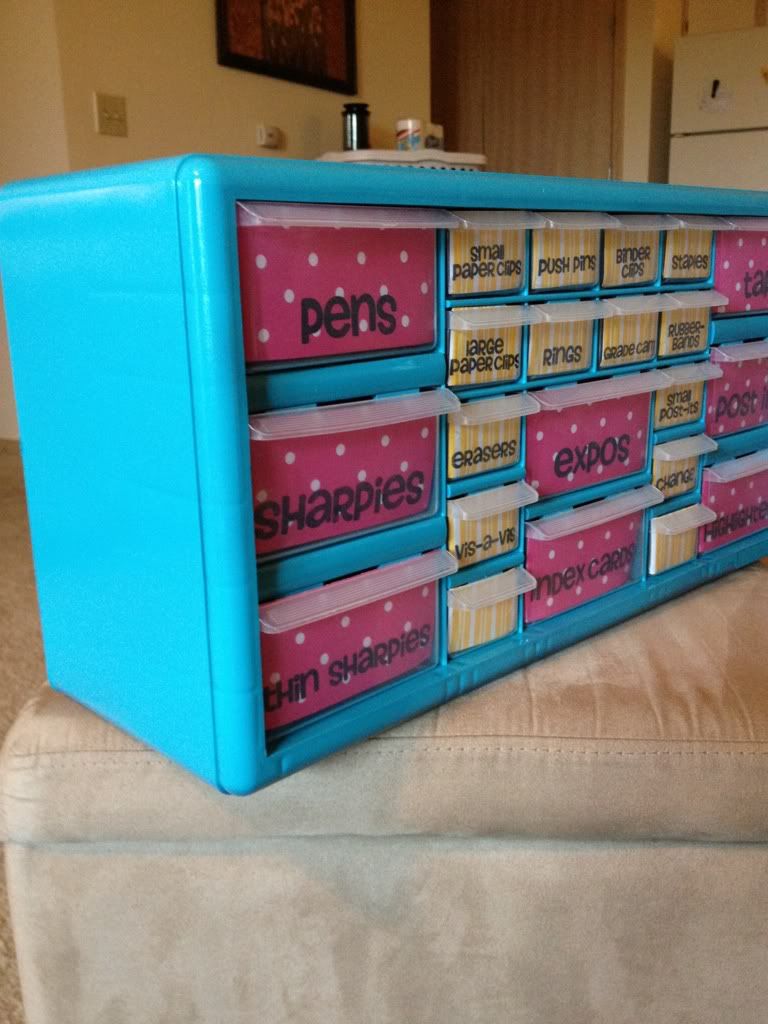
It is actually called the "Stack-On 22 Drawer Storage Cabinet". I was surprised how "small" it was. In pictures it always looks bigger. But this little gem is actually the perfect size. It is roughly 9.6" long, 19.3" wide, and the drawers are 6.3" deep.
I got it home and started making labels for it right away! I used Mrs. Rojas dementions to make my own Word document to print my labels. Just visit my TpT store to get an editable version or click here.

In case you are wondering the font I used for my labels was FREE from kevinandamanda.com called Howser.


I will post an easy "How to" with my next post to show you an easy way to print on patterned paper. It saved me a lot of paper!

Here is my tool box after I loaded my patterned paper in it:


But nooooooo - more pinterest searching and I got the itch to paint it.


Thanks to my ever-so-patient hubby ... Here is the final product! I can't wait to put it in my classroom. I will post pictures once my room is complete!


Be sure to check out my next post to see how to print easily on patterned paper! Thanks for stopping in!
Pin It!

Monday, July 9, 2012

State Standards & Address Labels

Have you ever been on Pinterest and had that A-HA! moment? Well my A-HA! moment was when I saw this genius idea to put my State Standards on address labels!!

Pinned Image

Source
The original poster uses this with her students but I think I will just keep it for me. I love this idea because as soon as I print off my lesson plan I can slap the corresponding standard to it and be in my merry way! I'm sure if I continue a standard from the day before I will just note that.
I think this is great because I can visually see the skills I've taught and still need to hit. It could also be a great pacing tool for some of you out there that may not have district pacing guides.

This is the last year my district will be following our own state standards - next year we will be completely implementing Common Core. I still see myself using this system even with Common Core next year.

When does your school plan on solely using Common Core?
Pin It!

Saturday, June 30, 2012

New blog!

Hello to all my fellow educators! I am so excited to be starting this blog. I have just finished my first year of teaching and was so inspired by all of the truly talented teachers. I found myself on Pinterest clicking on link after link of awesome teacher blogs so I thought I would try one for myself. I hope this blog will be a place where I can share new ideas I have seen and gather new ones as well.

Thank you for joining me on this journey!

Be well and teach well!
Pin It!